Add detergent
Put liquid or powder in the large left compartment II. Fabric softener is optional and goes in the centre compartment with the flower symbol.

Apartment guide
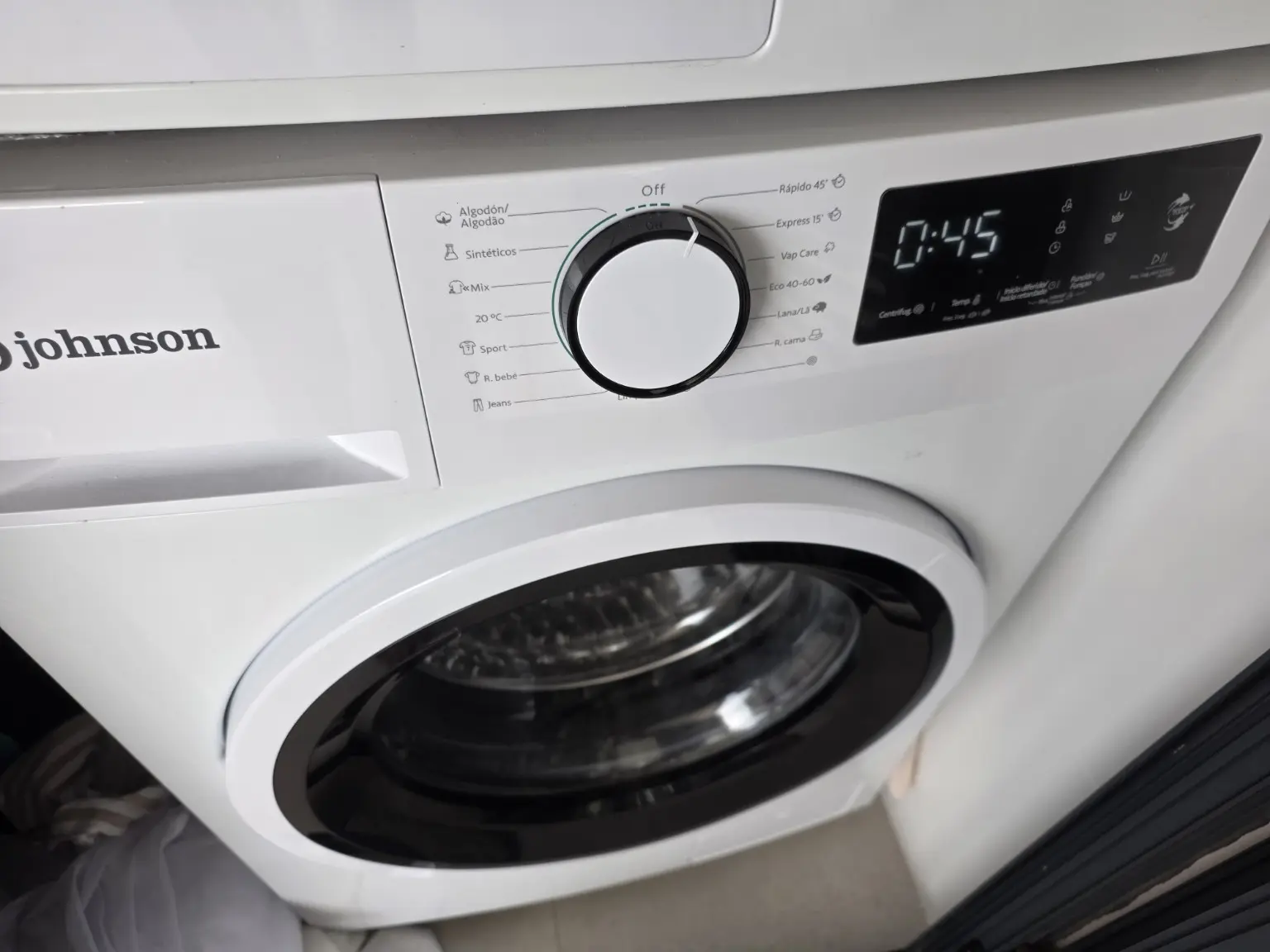
The washing machine is the lower appliance, beneath the dryer. Select a cycle with the dial, then start it with Start/Pause.
Start washing↓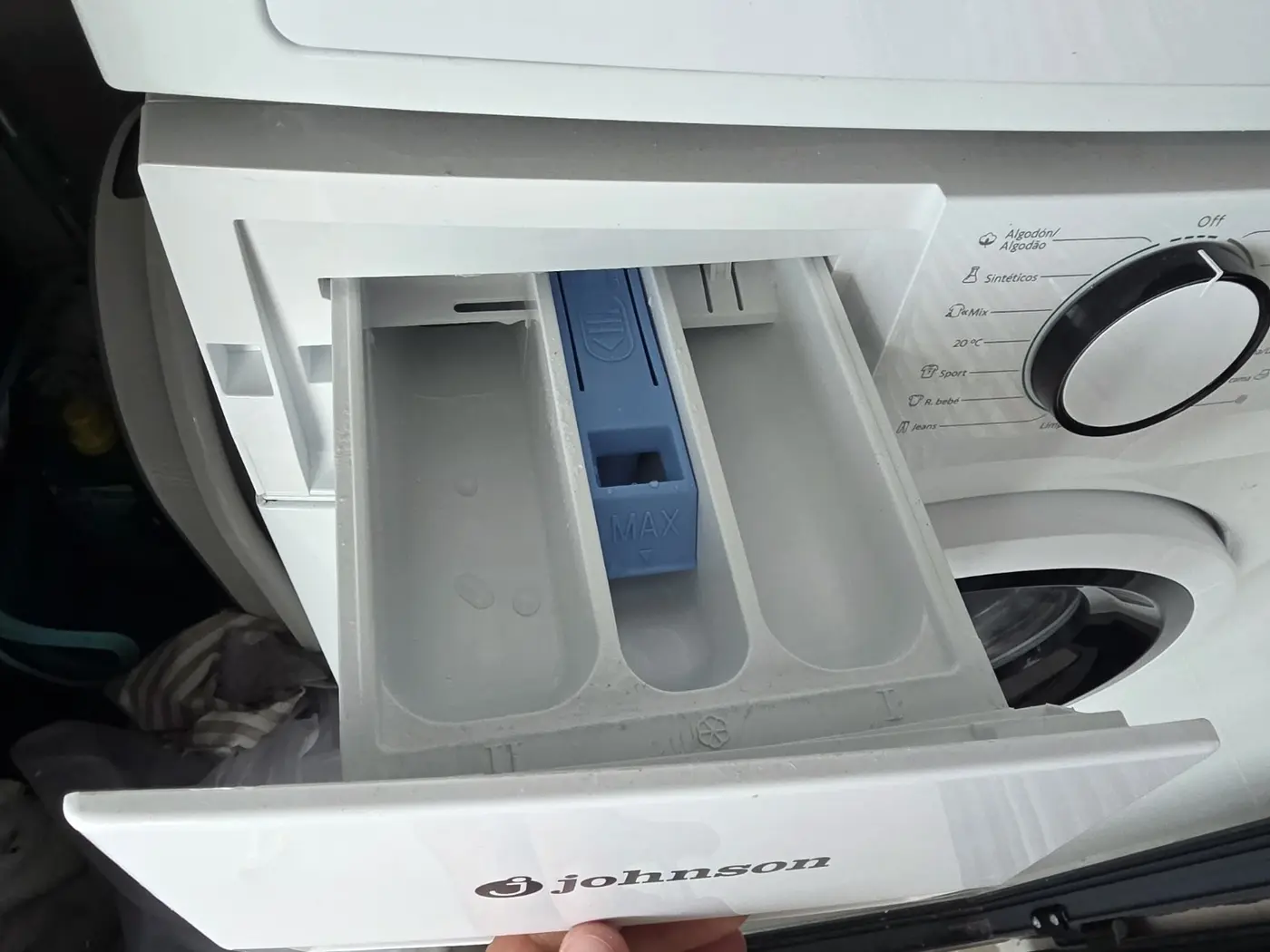
Main wash
Pour liquid detergent or add powder to the large left compartment marked II. This is the main-wash compartment.
Quick guide
Do not overload the drum and always check pockets.
Put liquid or powder in the large left compartment II. Fabric softener is optional and goes in the centre compartment with the flower symbol.
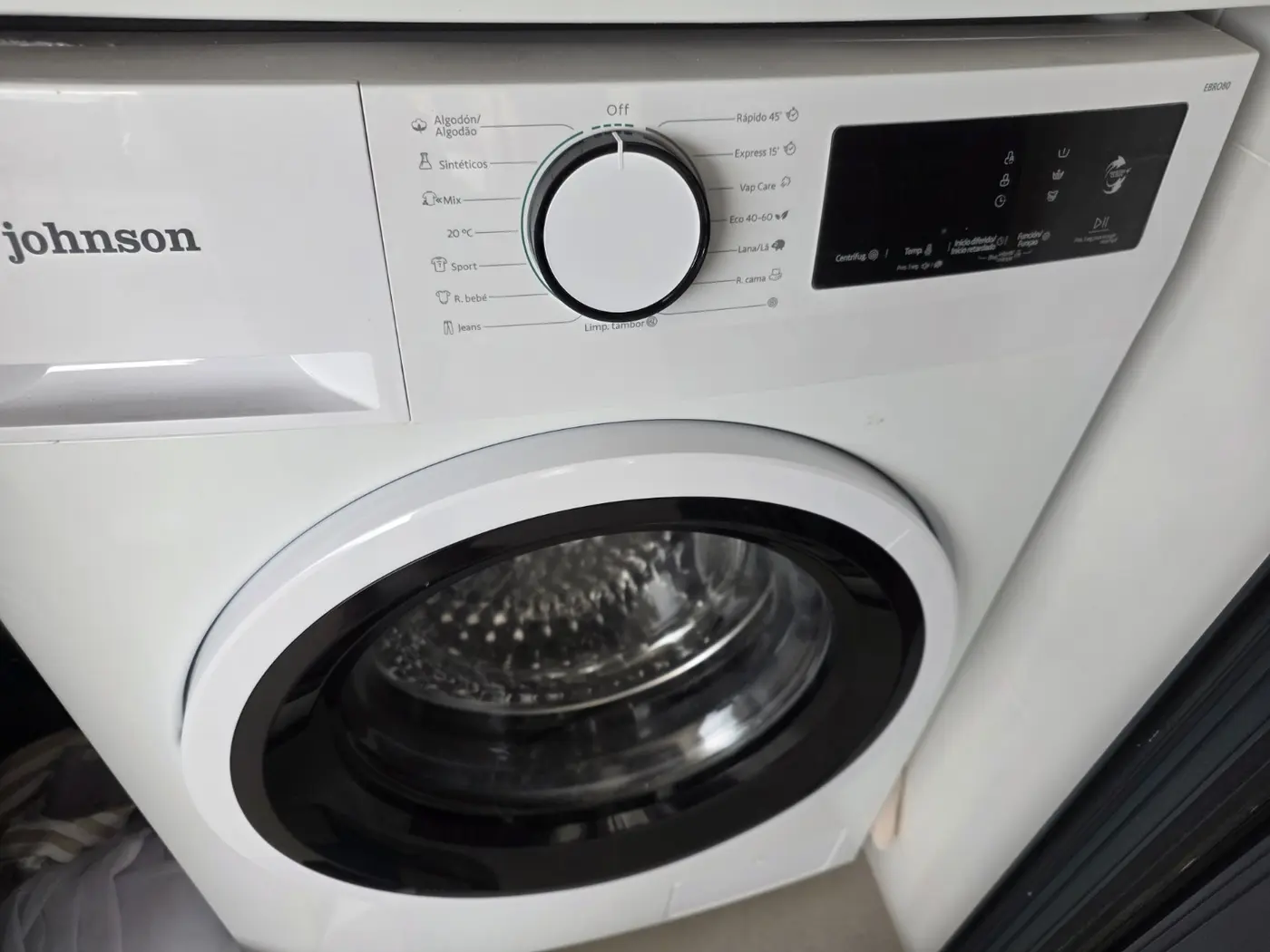
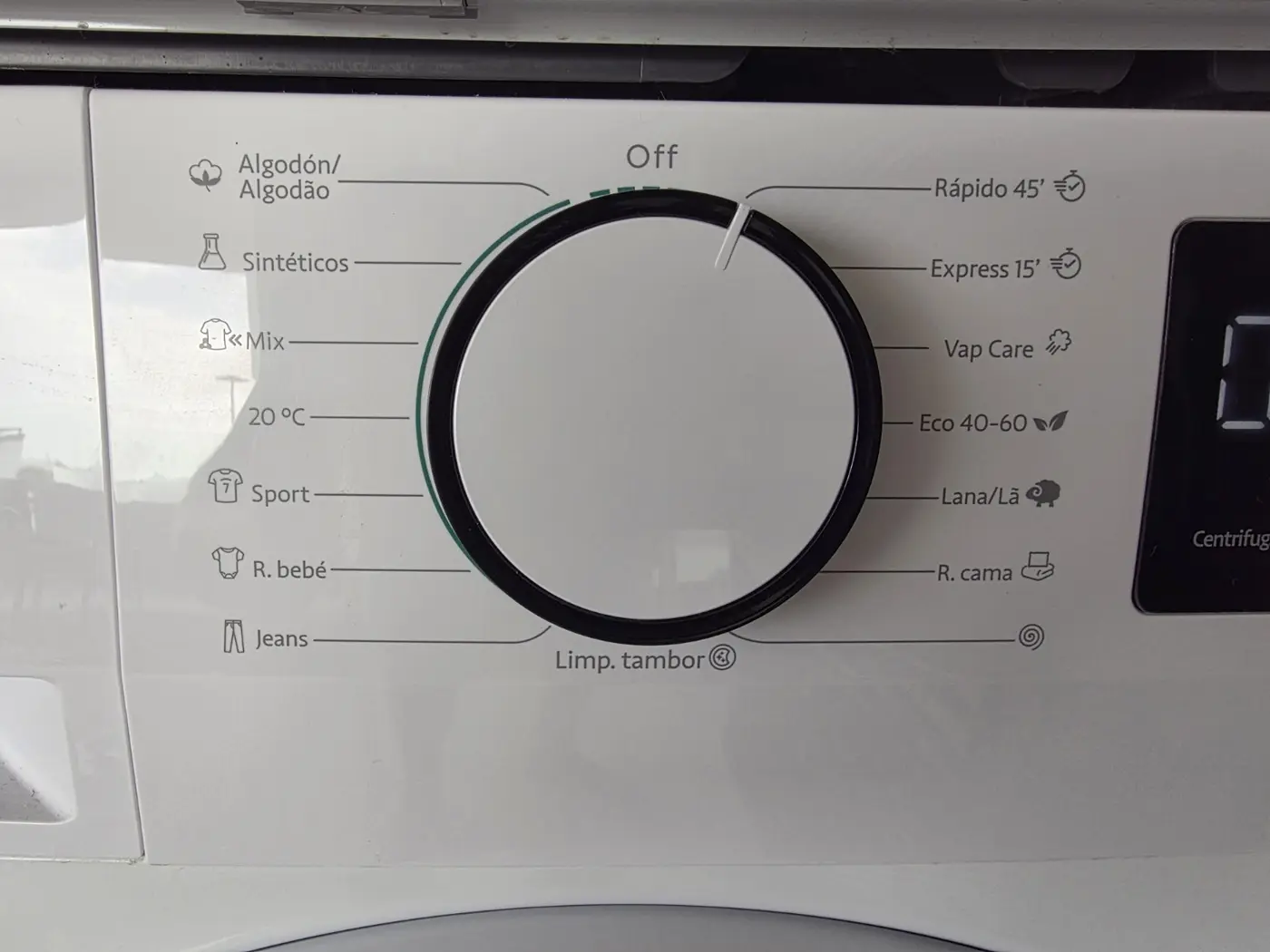
Close the door and select a suitable cycle with the dial. Every panel label is translated below.
The estimated duration appears on the display. Press Start/Pause on the right of the panel.
Panel translation
The printed panel label is on the left and its meaning is on the right.
Leave the washing-machine door slightly open after the cycle.