1
Check the beans and water
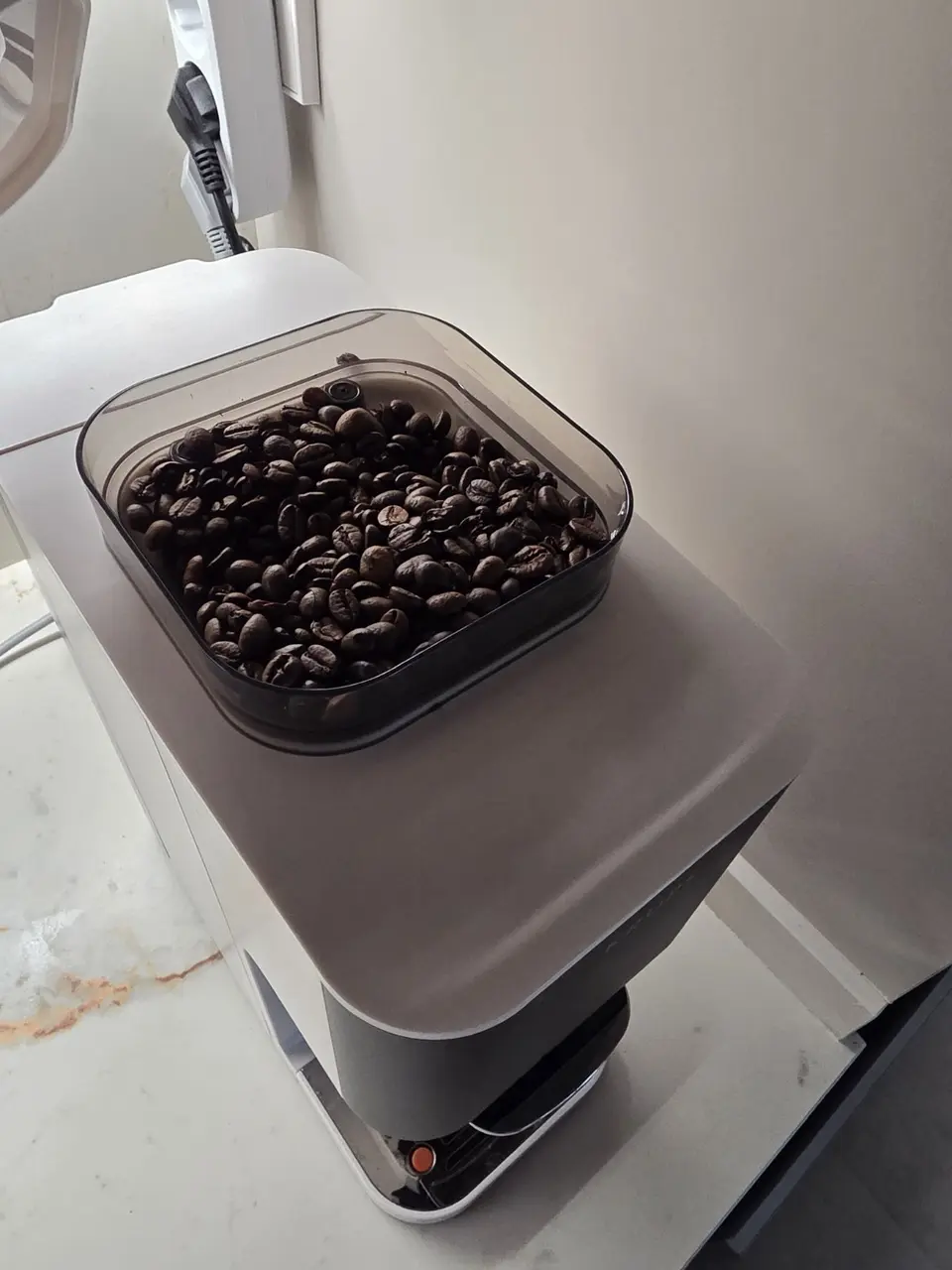
Make sure there are coffee beans in the top container and that the water tank is filled.

Apartment guide
Four simple steps and your coffee is ready. No capsules and no searching through cupboards first thing in the morning.
Make coffee↓Quick guide
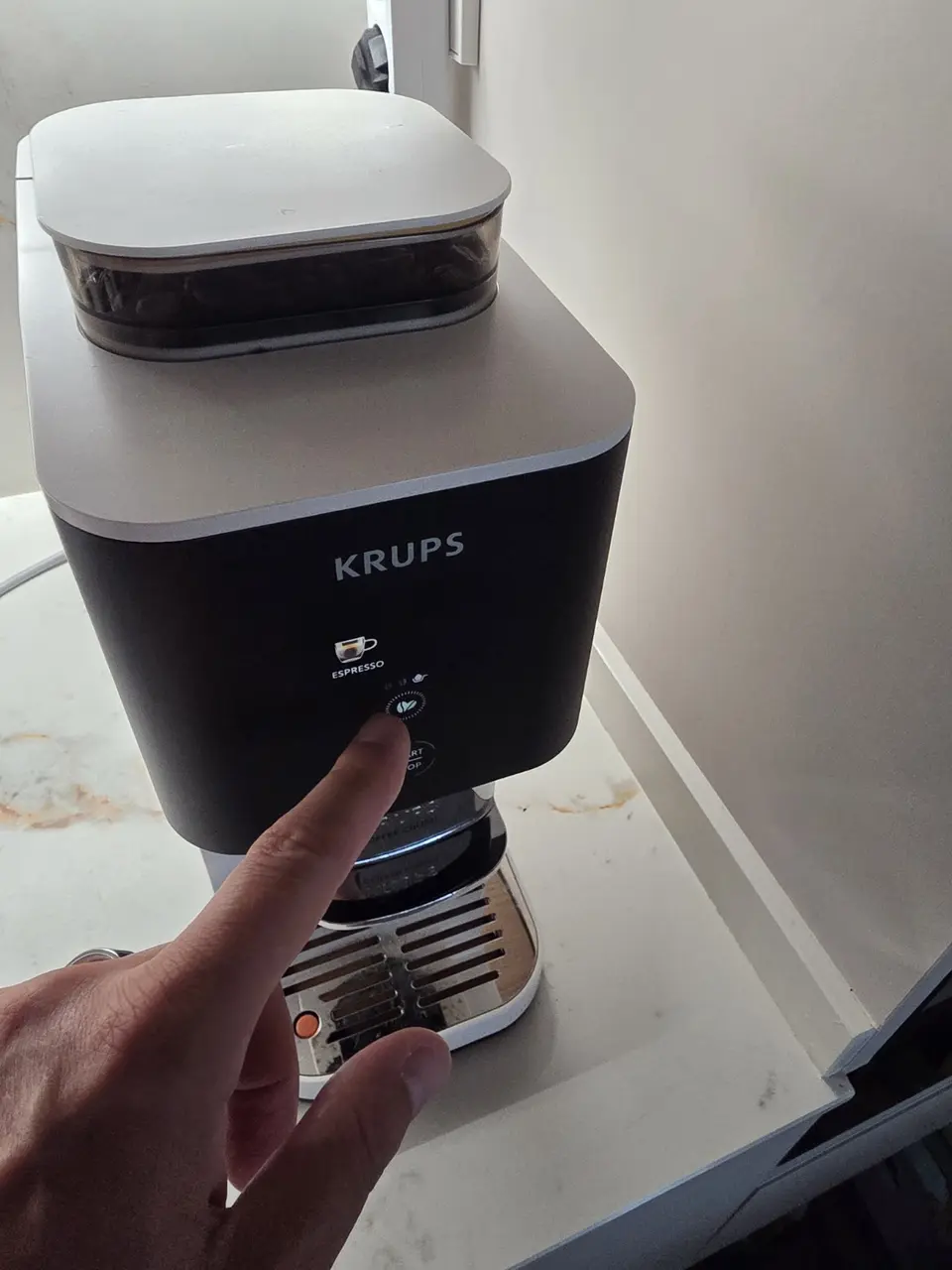
The panel is touch-sensitive. Gently tap the illuminated symbols to make your selection.
Make sure there are coffee beans in the top container and that the water tank is filled.
Tap START/STOP and wait for the panel to light up and the machine to become ready.
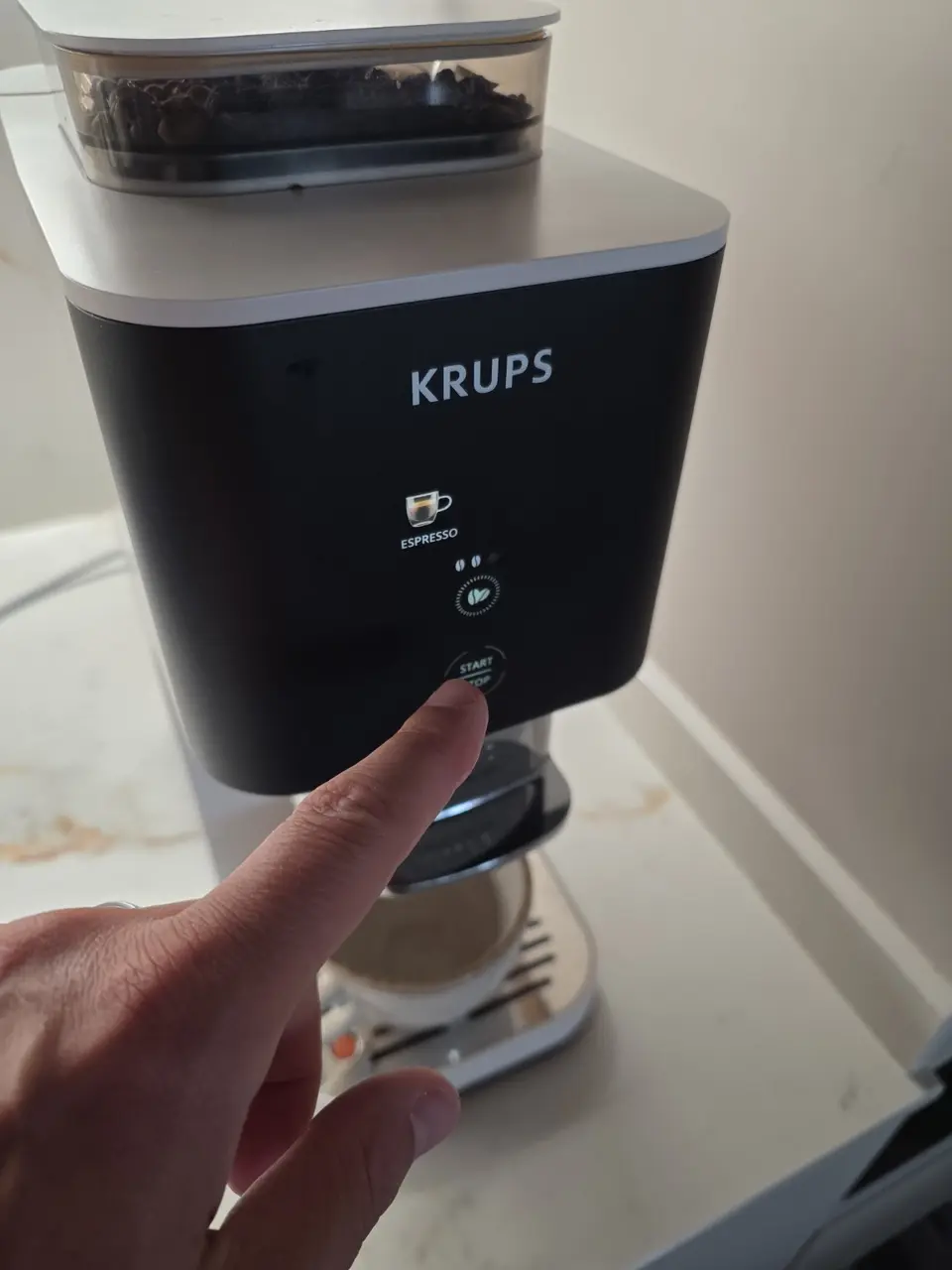
Tap the icon for your preferred coffee. The illuminated name shows the current selection.
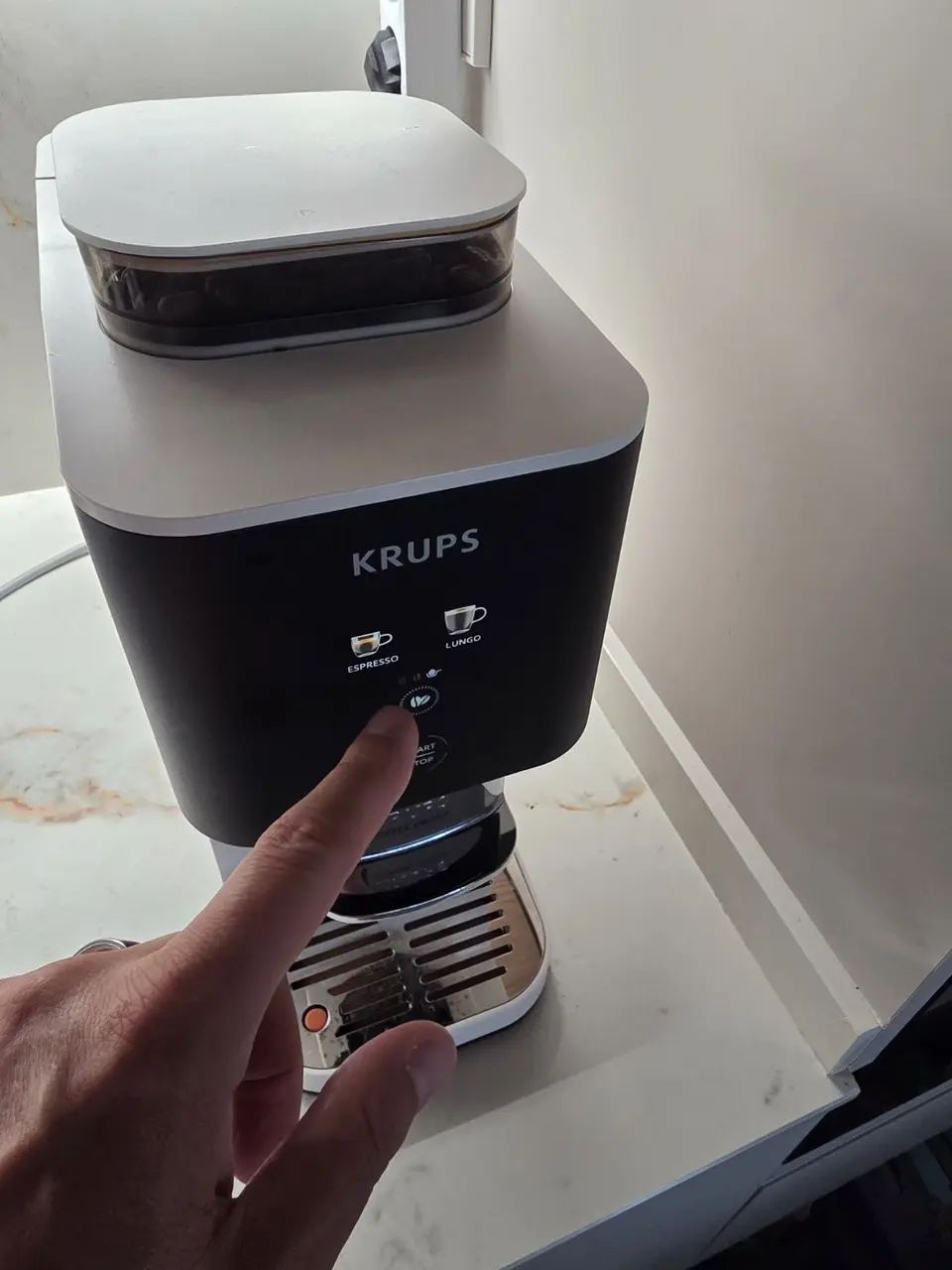
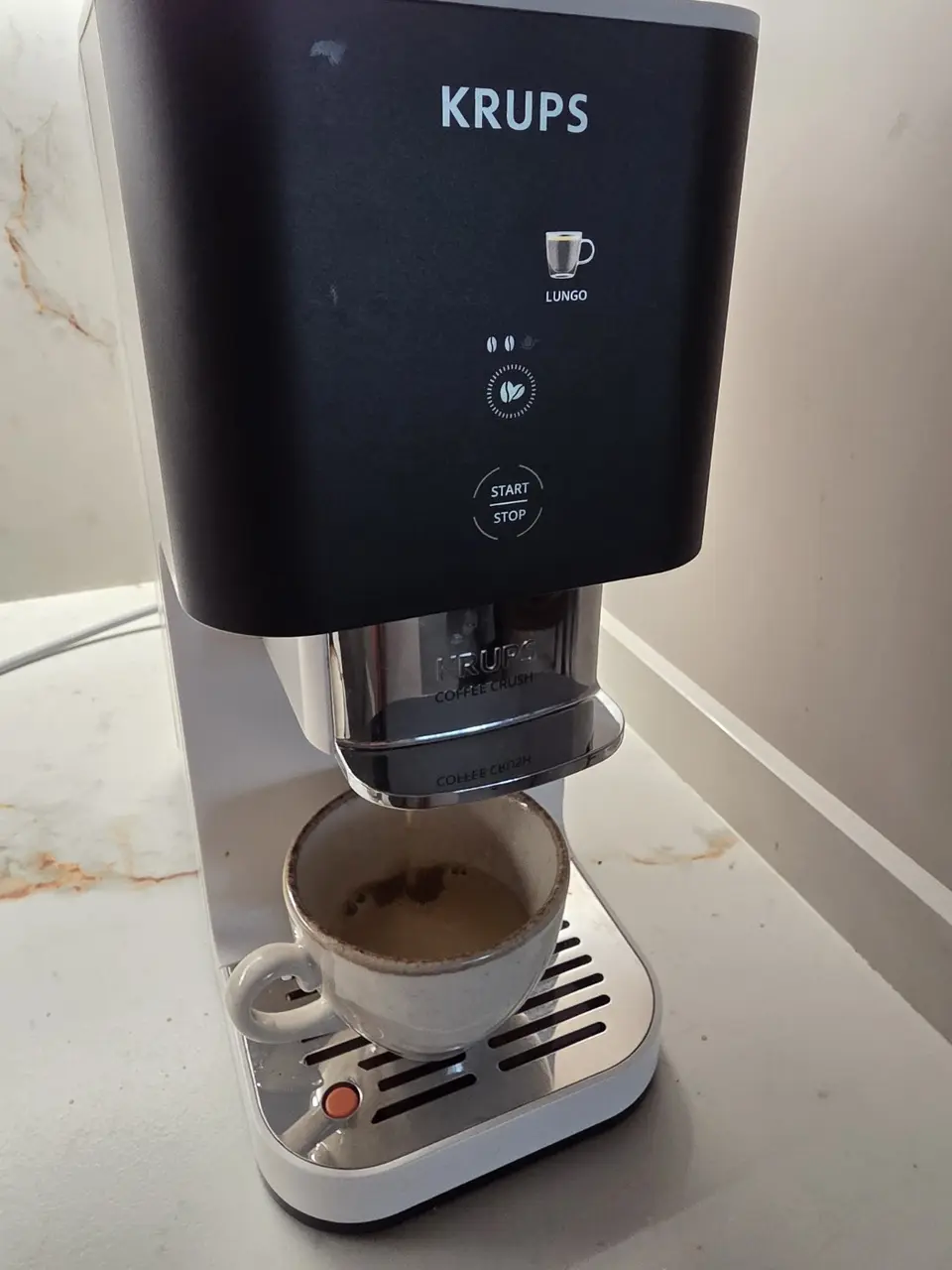
Tap the bean symbol to choose the strength, place a cup underneath and press START/STOP.
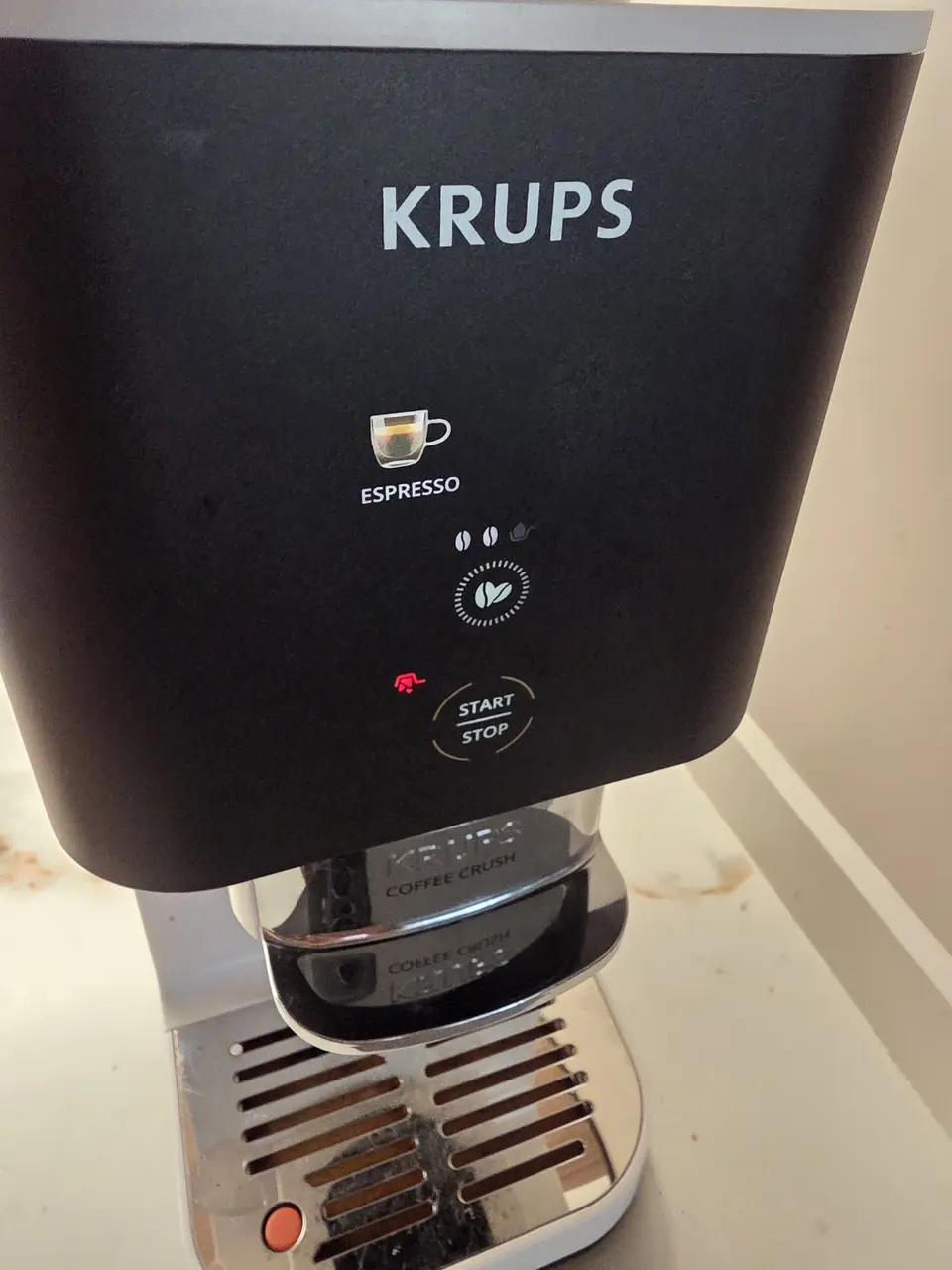
Red warning
The machine is telling you that the coffee grounds container has not been emptied. Remove it even if it does not look full, empty it and slide it fully back in.
Coffee grounds container
It is not a capsule, but a compressed puck of coffee grounds. There is no need to prise it out with a spoon.
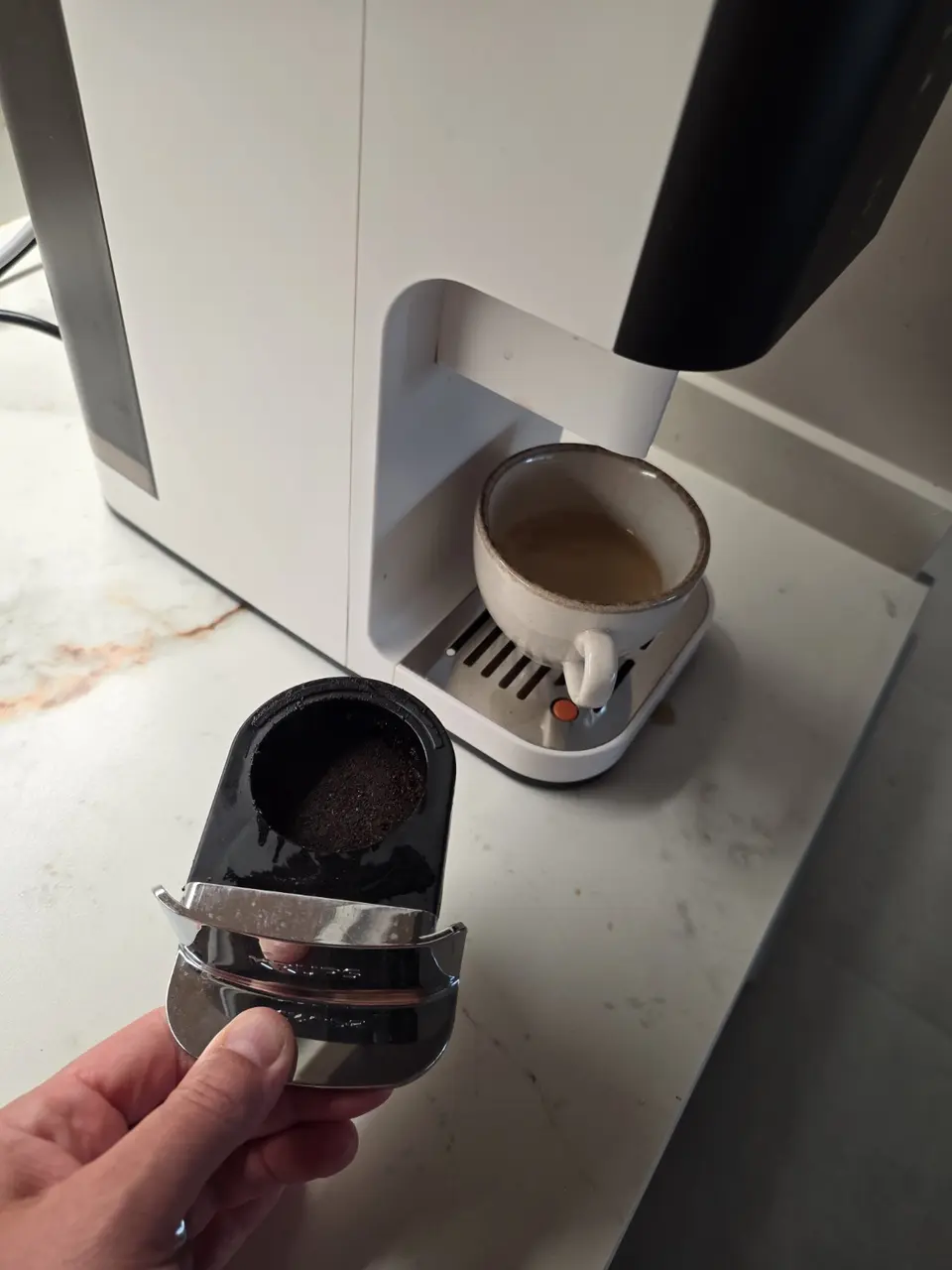
Hold the chrome handle below the spout and pull the container straight towards you.
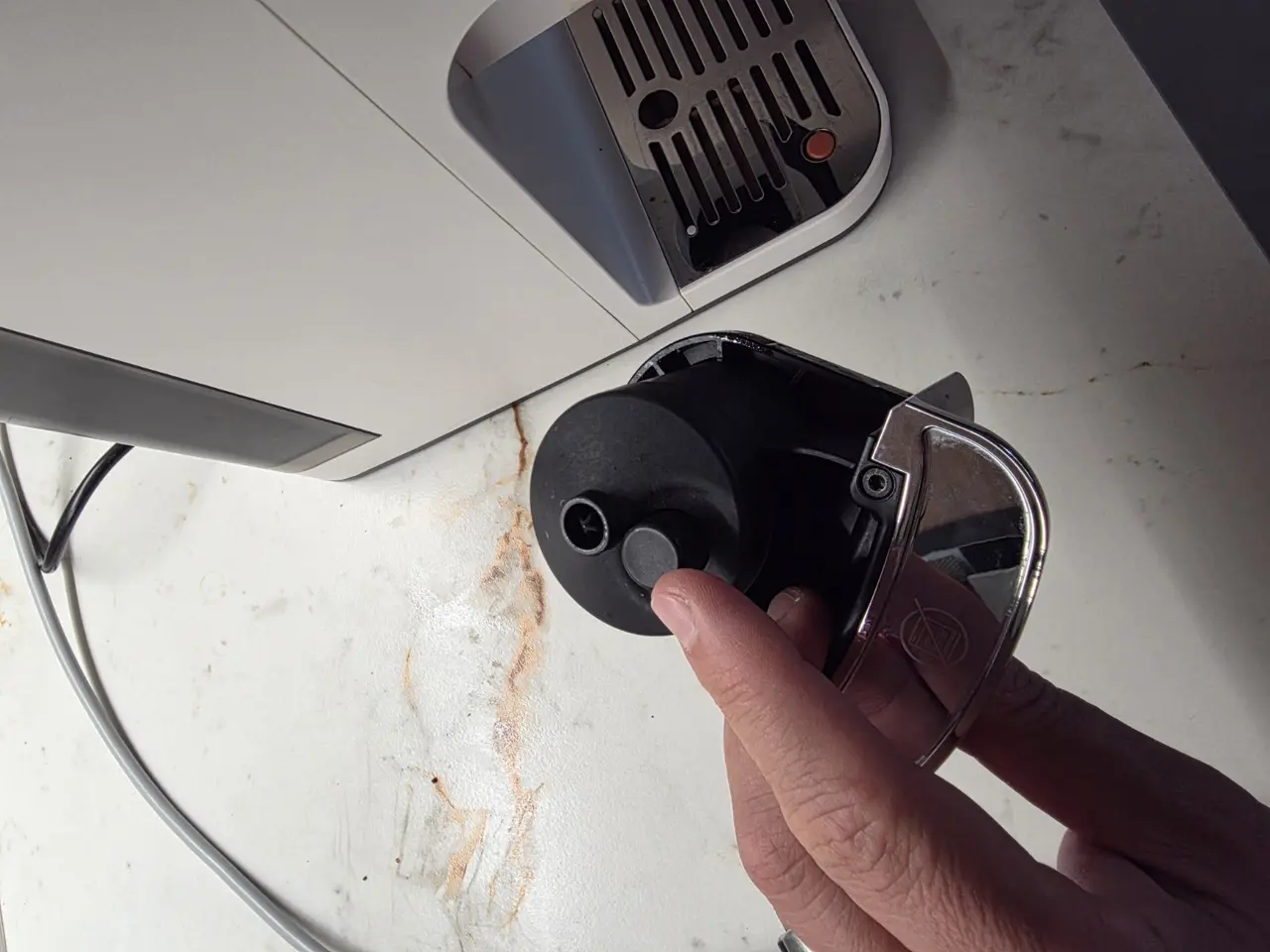
There is a round grey release button on the underside of the container.
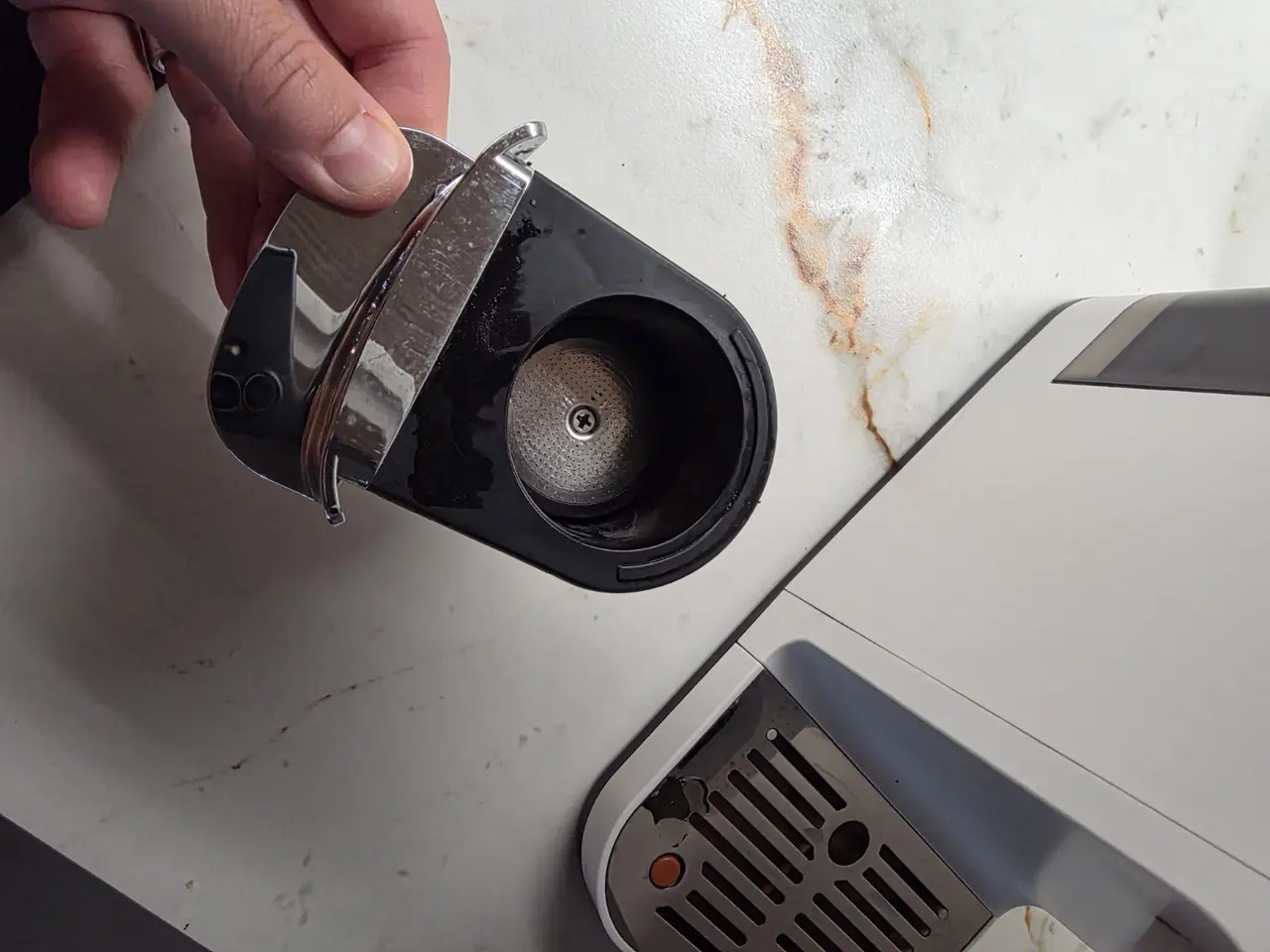
The mechanism pushes out the coffee puck. Rinse if needed, dry the container and slide it fully back in.
After emptying, always slide the container fully back into the machine.