1
Switch on the heating
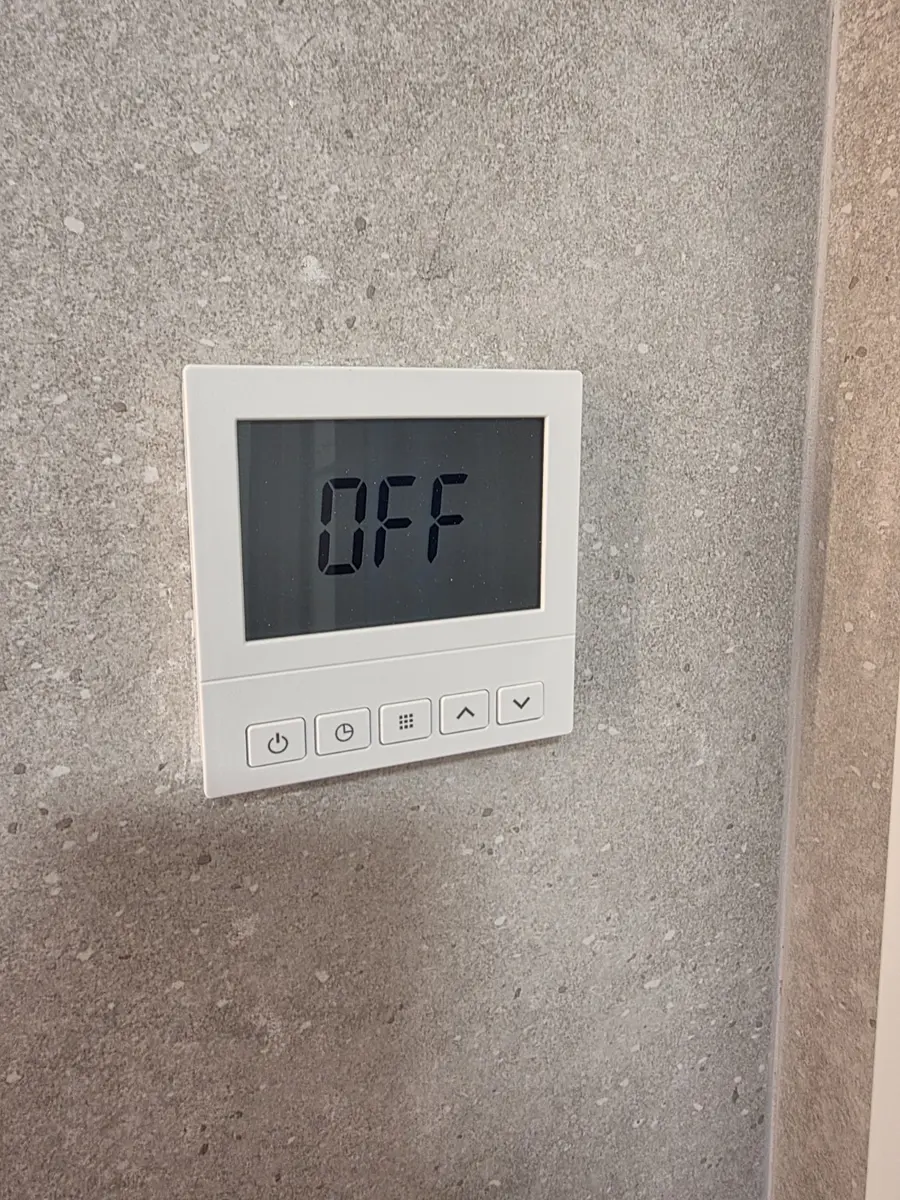
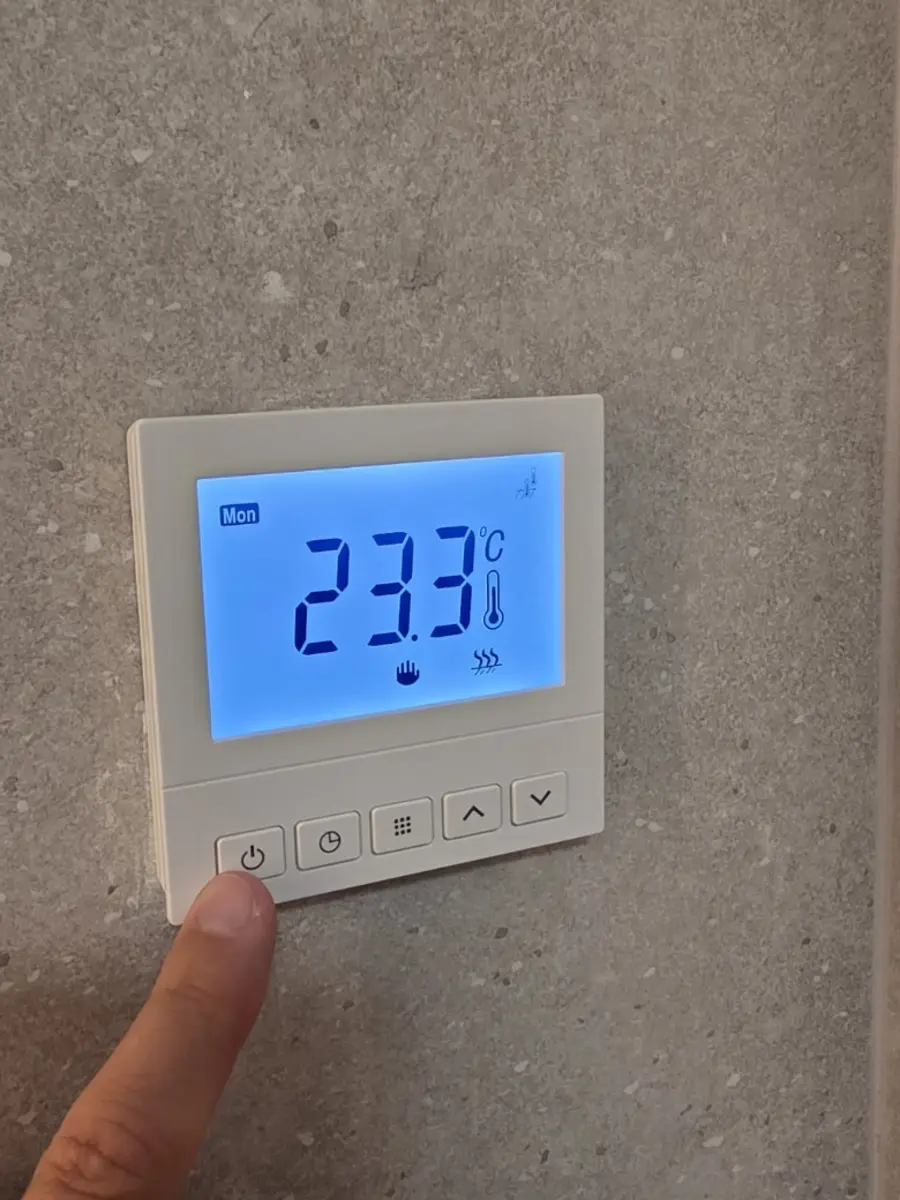
When the panel is off, the display shows “OFF”. Press the power button on the left. The screen will light up blue and show the current room temperature.

Apartment guide
Each bathroom has its own independent electric underfloor heating. It is controlled from the wall-mounted panel.
Switch on the heating↓The key point
The number on the display is the target air temperature for the room. It is not the surface temperature of the floor.
Panel controls
Switch on the panel, choose a comfortable bathroom temperature and allow the floor time to warm up.
When the panel is off, the display shows “OFF”. Press the power button on the left. The screen will light up blue and show the current room temperature.
The up arrow increases the setting and the down arrow decreases it. Choose the room temperature you want in the bathroom.
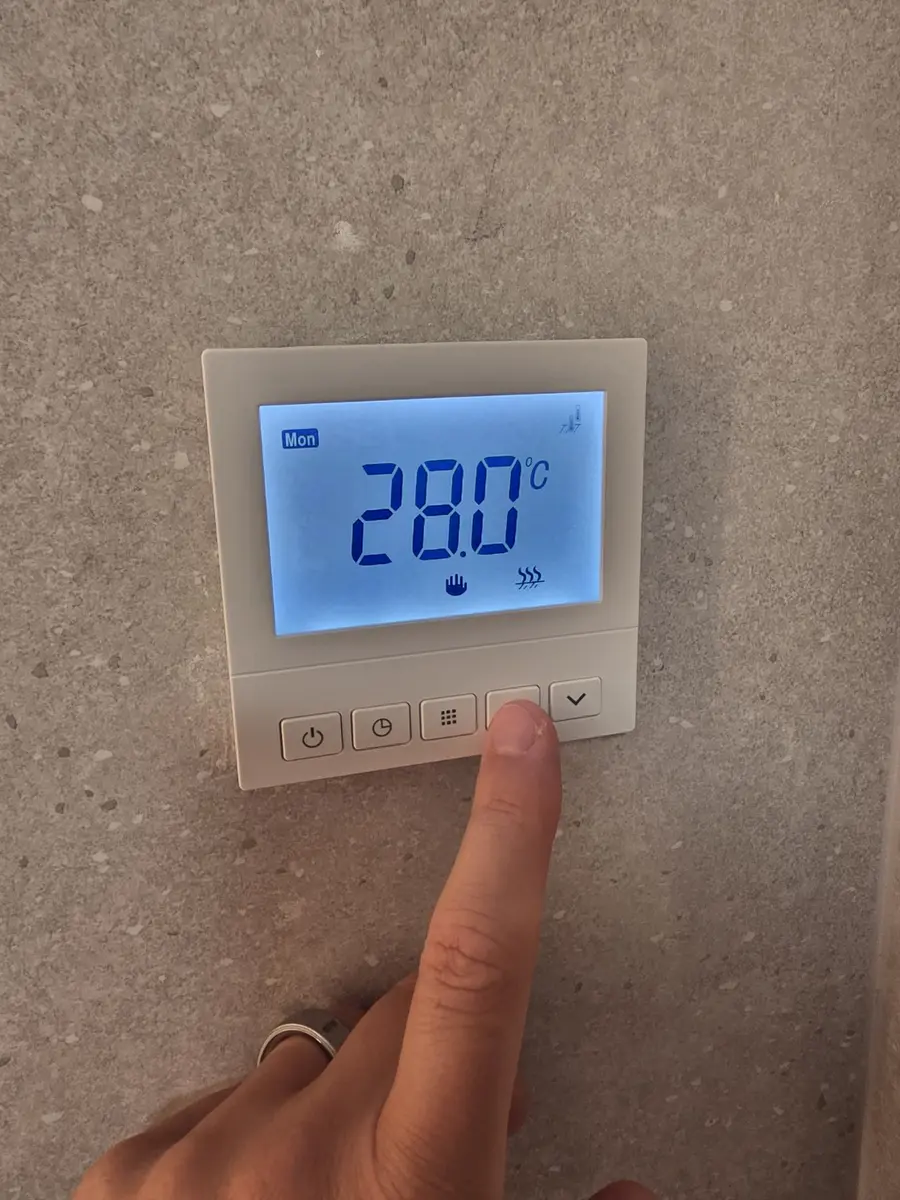
There is nothing to confirm after setting the temperature. After a moment, the screen automatically returns to the current room temperature and the floor-heating icon appears while the system is heating. Underfloor heating has high thermal inertia, so allow about 15 minutes for the floor to feel warm.
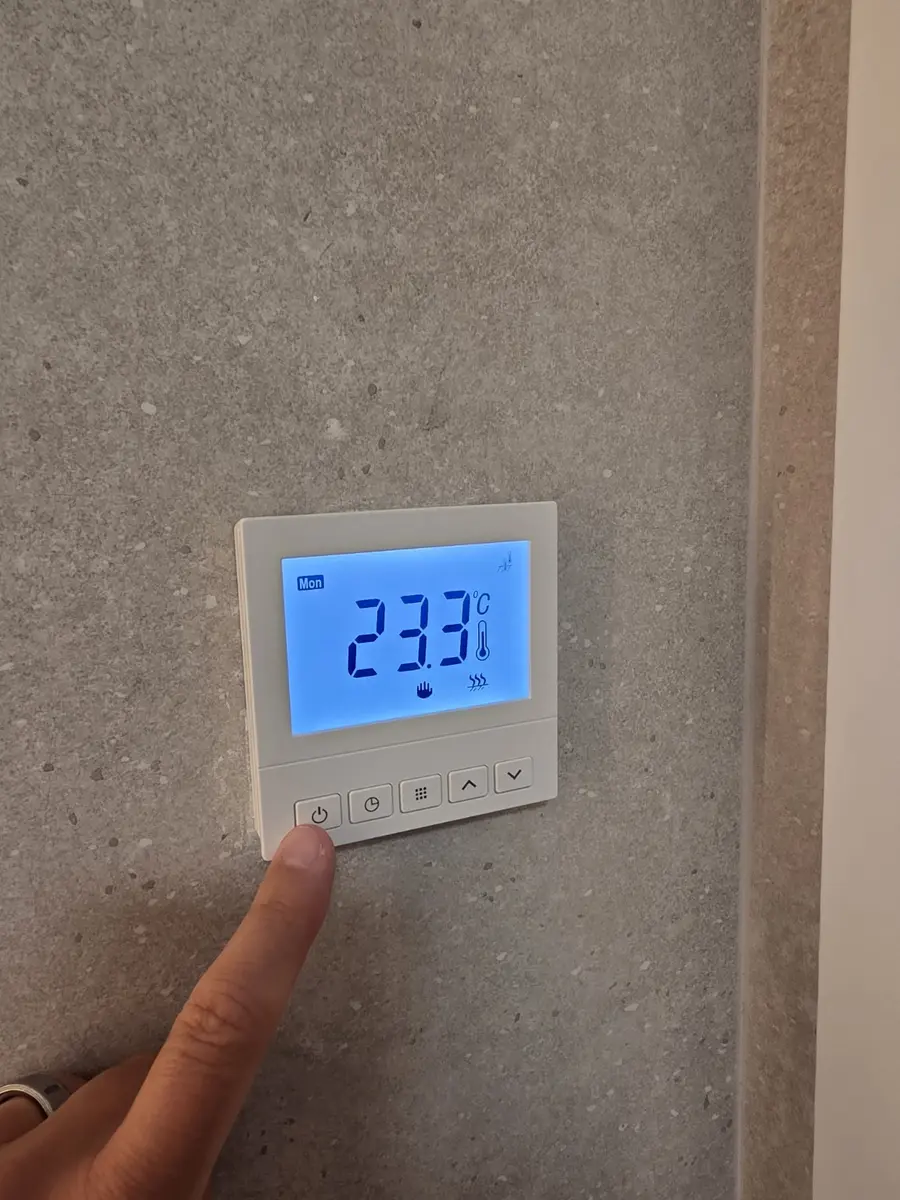
Set the temperature in the second bathroom in the same way, using its own panel.